 Zaxpluma IPTV
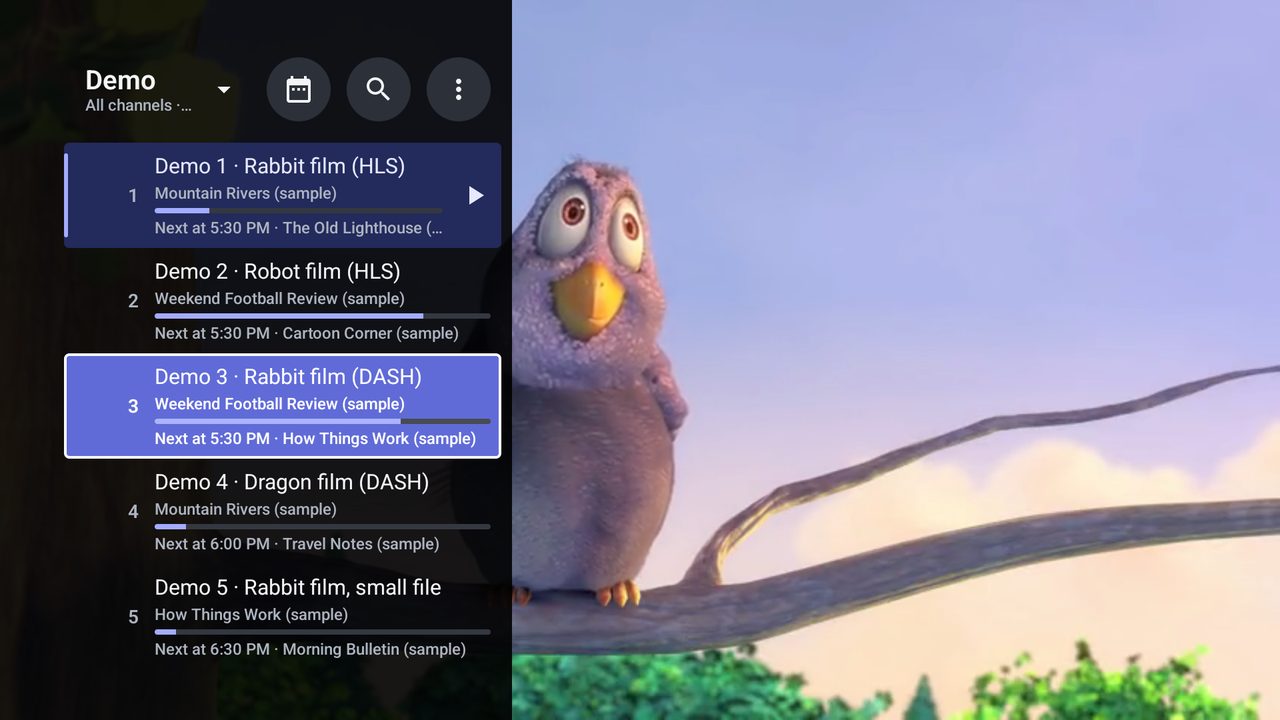
Everything a player should do
Built for the remote first, and just as comfortable with touch.
Zaxpluma IPTV is a player. It comes with no channels. Add the playlist your TV provider gave you, or try the built-in demo with freely licensed test streams. Only watch content you have the right to watch.
Any playlist
M3U links, files on the device or USB, Google Drive links and Xtream logins. Several playlists, each with its own last channel.
Plays everything
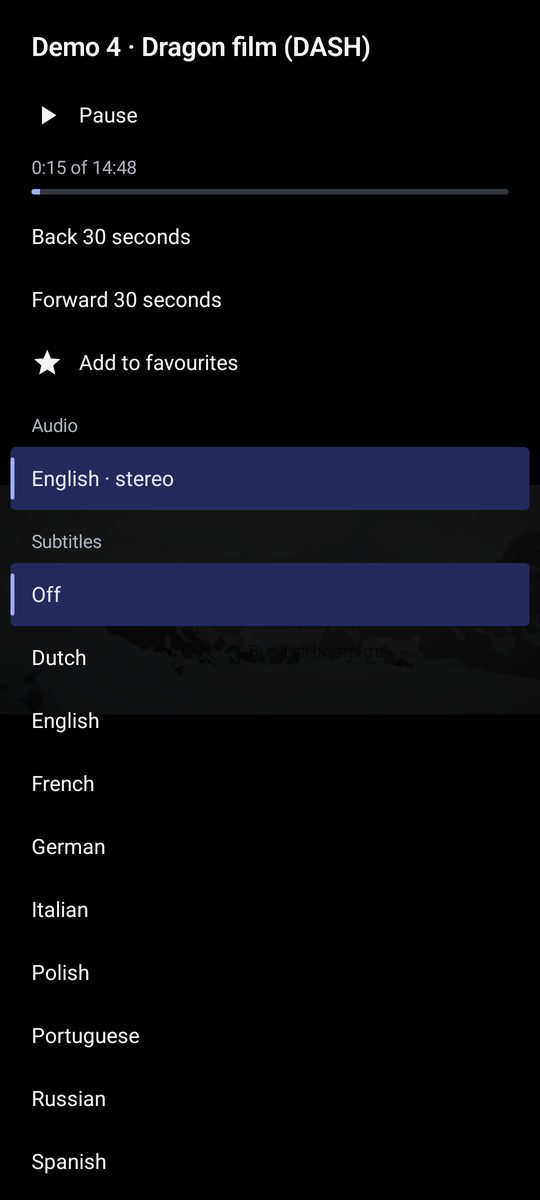
HLS, DASH, MP4, MPEG-TS, RTSP and UDP. Audio and subtitle tracks, quality, picture format and automatic reconnection.
TV guide
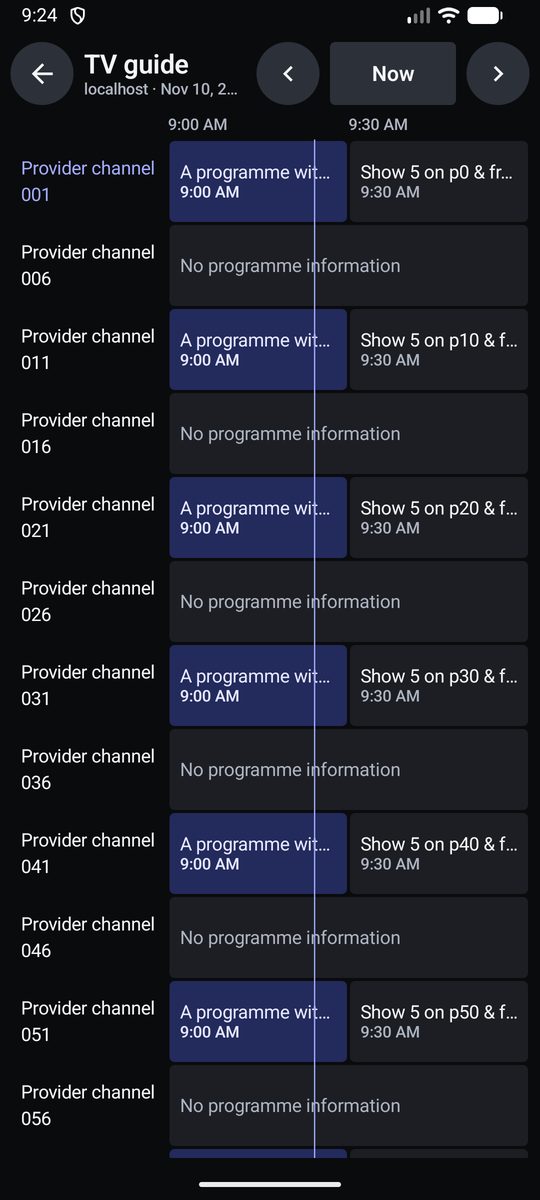
XMLTV guides, now and next in the list, a channels-by-time grid, programme details and reminders before a show starts.
Catch-up
Watch past programmes when your provider keeps an archive, with every common link style.
Films and series
Browse a provider login's films and series by category, season and episode, and carry on where you stopped.
Favourites and editing
Favourites per playlist and across all of them. Rename, reorder and hide channels and groups.
Locks
A PIN for channels and groups, hidden until unlocked, and a separate PIN for settings.
Made for Android TV
Full remote control, number keys, the previous channel, game controllers and start on boot.
Phone and tablet extras
Picture in picture, sound with the screen off, swipe for volume and brightness, and Chromecast.
Sleep timer
Stops playback after 15 to 120 minutes, and asks first if you are still watching.
Your look, your language
Light and dark themes, accent colours, text size, clock options and 26 interface languages.
Backup
Save playlists, settings, favourites and groups to a file, and bring them back on another device.
On the phone too
The same app adapts to a phone in your hand, a tablet and the big screen.
Simple price
No subscription, no ads, no account.
Free trial
- Everything included, from the first start
- After the trial, the full version is needed to keep watching
Full version
- A single payment through Google Play
- Every playlist, no limits
- Yours on every device with the same Google account
The price shown in Google Play, in your currency, is the one that counts.
Help
The answers to what people ask first.
How do I add my playlist?
- Open the app and choose Add a playlist.
- Pick a web link (M3U), a file on the device, or a provider login (Xtream).
- Paste or type what your provider gave you, give it a name, and the channels load.
Not ready yet? Choose Try the demo first to see the app with sample channels.
Where do I find channels?
The app has none of its own. Channels come from your TV provider, as a playlist link, a file or a login. Zaxpluma IPTV does not sell, host or recommend any.
How do I add a TV guide?
Many playlists bring their guide with them and it loads by itself. Otherwise go to Settings → TV guide and add the XMLTV link from your provider.
What happens when the free trial ends?
The app asks for the full version, a single payment, before anything plays again. Your playlists, favourites and settings are kept, so everything is there as soon as you buy it.
I bought it on another device. How do I unlock this one?
Sign in to Google Play with the same Google account, open Settings → Full version and choose Check my purchase.
Can I get a refund?
Refunds go through Google Play, under its refund policy. Within 48 hours of buying you can usually ask for one from your Google Play order history.
How do I use it with a remote?
Up and Down change channel, OK or Left opens the channel list, Left again opens playlists and groups, Back steps out, and Menu opens settings. Settings → How to control the app shows every key.
A channel does not play.
Check that it plays in your provider's own app. If it does, try another name in Settings → General → Name sent to servers (the User-Agent), or ask your provider whether the stream needs special headers.
Support and contact
Write to luixlabx@gmail.com. Please say which device you use and what you were doing.